BETA LAUNCH — Founding Student Pricing Ends Soon
What if the only Excel skill you ever needed was knowing how to ask a question?

AI in Excel is for anyone who uses spreadsheets at work but never had proper training — and doesn't have time for a 40-hour bootcamp.
Learn to understand, fix, and build any spreadsheet using AI and natural conversation. No formulas. No coding. No Excel expertise needed.
BETA LAUNCH
Join now to get 67% off, lifetime course access, 6 months free community, weekly live calls with David, and more. First 20 founding students get a 1-on-1 call.
Everything for just $97 (Full price $297). Offer expires May 14 2026.
Course modules begin releasing May 18th 2026. Beta students get first access.
Sound familiar?
❌
No Training
You use Excel every day but never had formal training. You learned by Googling, asking coworkers, and praying nothing breaks.
❌
Inherited Chaos
Someone handed you a workbook with 12 tabs, nested formulas, and zero documentation. Your job is to "just update it" every month.
❌
AI Confusion
You've heard AI can help with work, but every tutorial is about ChatGPT for marketing. Nobody's shown you how to use it for spreadsheets.
Here's what changes with AI in Excel.
✅
Understand Any Spreadsheet
Open any workbook — even one you've never seen — and ask AI to explain what it does, how it's structured, and what every formula means. In plain English.
✅
Fix Errors Without Fear
Stop guessing why #REF! and #VALUE! keep appearing. AI traces the error, explains what went wrong, and suggests the fix. You review and approve.
✅
Build Things You Never Could
Budgets, dashboards, trackers — describe what you need, AI builds it. Then iterate: "Add a chart." "Calculate tax automatically." "Color-code overdue items."
Plus: clean messy data in one conversation, run what-if scenarios like a pro, and never memorize another formula.
Scroll down to see everything you get...
7 Modules. 24 Videos. ~3 Hours.
One Transformation.
What You'll Learn
Understand Any Spreadsheet
Open any workbook- even one you've never seen - and ask AI to explain its structure, formulas, and logic. In plain English.
Covers: inherited spreadsheets, formula mapping, dependency tracing
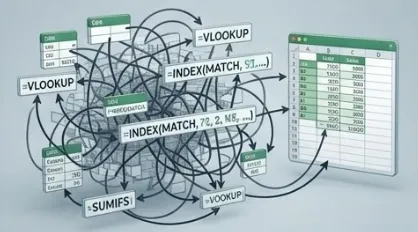
Fix Errors & Clean Data
AI traces #REF!, #VALUE!, and broken formulas to their source. You review and approve the fix.
Clean messy data in one conversation: duplicates, dates, imports, split columns.
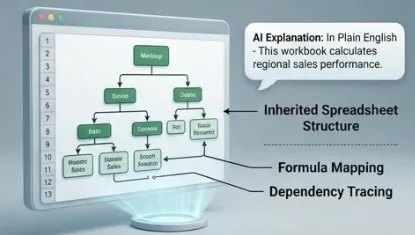
Build from Scratch
Budgets, dashboards, trackers, templates — describe what you need, AI builds it.
Iterate naturally: "Add a chart." "Calculate tax automatically." "Color-code overdue items."

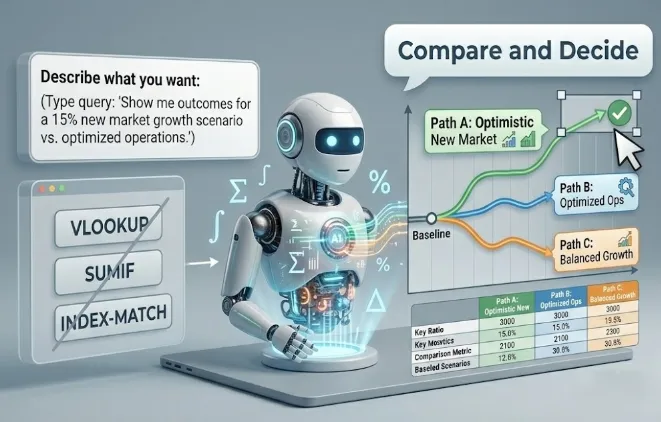
Scenarios, Formulas & Beyond
Run what-if scenarios and compare outcomes. AI handles the math, you make decisions.
Never memorize another formula. VLOOKUP, SUMIF, INDEX-MATCH — just describe what you want.
Founding Student Access - Everything You Get for $97
What's Included:
Full course access — 24 videos across 7 modules (~3 hours)
Lifetime updates — AI tools evolve fast. The course updates with them. Free forever.
50+ Prompt Cheat Sheet — copy-paste prompts for every common Excel task
"First 30 Minutes" Quick Start Guide — setup to first real result in one sitting
Practice files for every module — follow along with real spreadsheets
Troubleshooting Guide — when AI gives something unexpected, you'll know how to fix it
2 months free community access (normally $29-49/month)
First 20 founding students: 30-minute 1-on-1 call with David
Weekly live calls + Q&A — direct access during beta
Shape the course — your feedback determines what gets added next
Total value: $550+. Beta price: $97.
*This is a beta launch — you're getting in early at the lowest price this course will ever be. Course modules begin releasing May 18th 2026 and roll out over 3 weeks. Your 7-day guarantee starts when the full course is available.
Hi, I'm David.

I'm going to be very honest with you. I'm not an Excel expert or a finance professional. I'm an engineer who used Excel every day and dreaded it — like most people.
I'm someone who's been deep in AI tools for years. I've worked with major companies on AI implementation, taken course after course on AI, and spent hundreds of hours testing and using AI tools, day in and day out.
The transformation was real. Spreadsheets that used to take me hours now take minutes. Workbooks I inherited and never understood suddenly made sense. Formulas I used to google every single time now write themselves.
I built this course because I want to share what I've learned so you can skip the struggle and go straight to the results.
This is the course I wish existed when I started.
Who Is This Course For?
✅ You use Excel at work but never had formal training.
✅ You've inherited spreadsheets you didn't build and don't understand.
✅ You want to use AI for real work, not just chatbots and blog posts.
✅ You'd rather describe what you need in plain language, than memorize formulas.
✅ You want results in hours, not months.
Who Is This Course NOT For?
⚠️ You want a comprehensive Excel certification course.
⚠️ You're not willing to spend 3 hours learning a new approach.
⚠️ You don't use Excel or Google Sheets at work.
Frequently Asked Questions
How much time do I need?
The full course is ~3 hours of video. You can finish it in a weekend or spread it over a week. Most students start getting results in Module 1.
Do I need to be good at Excel?
No. That's the whole point. If you can open Excel and type words, you can do this..
Which AI tools does this cover?
Claude (via the Excel add-in) and Microsoft Copilot in Excel (Agent Mode), Claude Cowork, and Copilot Cowork. The course teaches them side by side. Use whichever you have access to.
Do I need to pay for AI tools separately?
Claude requires a Pro subscription. Copilot requires Microsoft 365 with Copilot. The course shows you how to start with whichever tool you have. You don't need both.
What if AI makes a mistake in my spreadsheet?
You always review before accepting changes. Module 7 teaches the verification workflow — how to spot-check AI's work efficiently so you stay in control.
What if I'm not satisfied?
7-day money-back guarantee, no questions asked. If the course doesn't help you, you get a full refund.
What happens after the beta?
The course price increases to $297. Beta students keep lifetime access and all updates at the $97 price permanently. Your 6 months of free community access is also locked in.
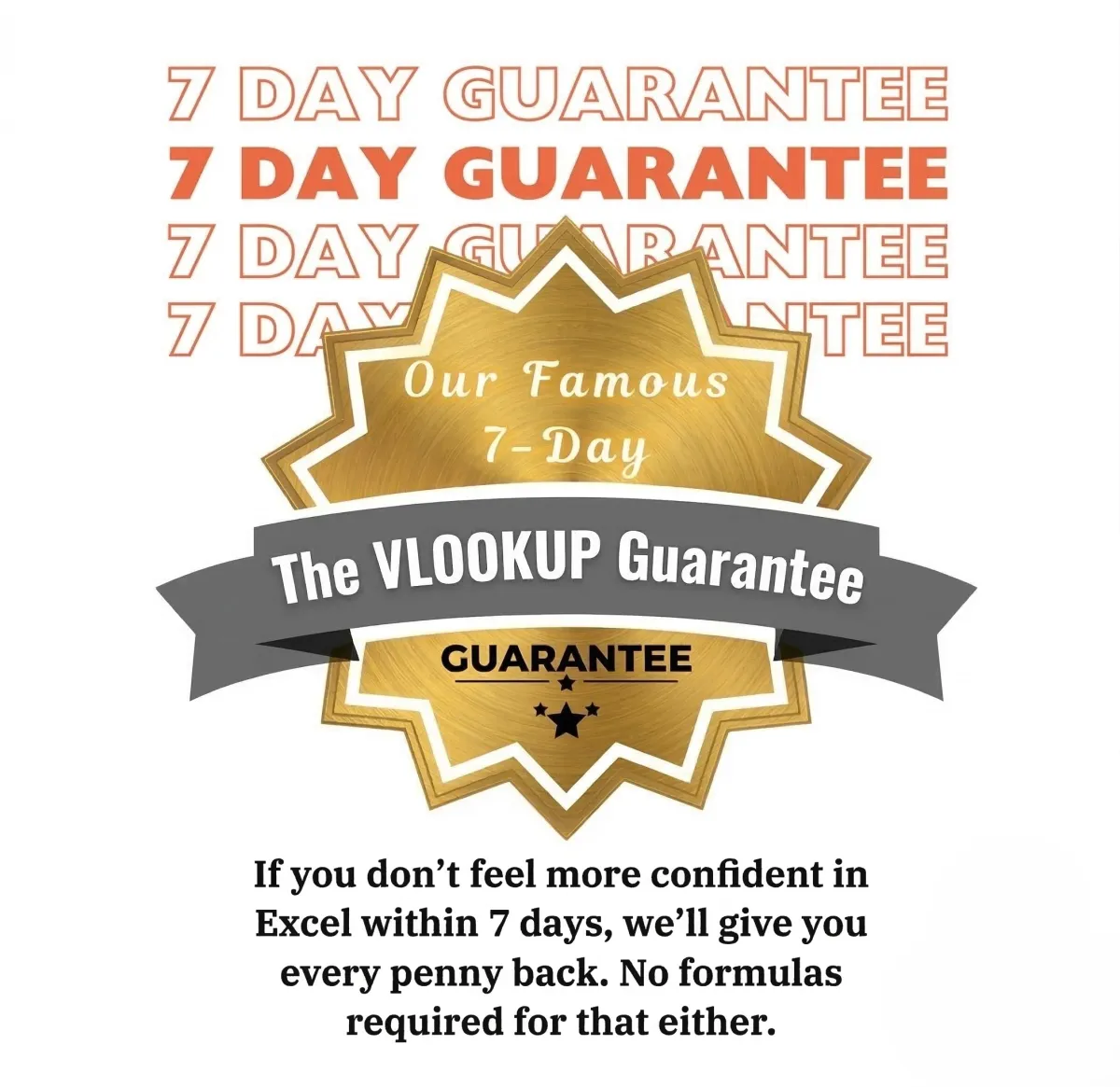
Is there a guarantee?
Absolutely! AI in Excel has a 7-Day Satisfaction Guarantee. If you are not completely satisfied with the course, contact us within 7 days for a full refund, no questions asked!